In 2013 I was using the Panasonic Lumix DMC-FZ150. It was a good camera. The small sensor was sensibly tuned for low noise with its 12 megapixel output. The Lumix colours were punchy without going over the top. The image stabilization allowed low light use without a tripod. All in all, one of the best bridge cameras you could buy in the early 2010s.
But with that 600mm zoom, like all cameras it was susceptible to atmospheric haze. And while the 1/2.3″ sensor supported RAW output my own preference – like most people’s – was to rely on Panasonic’s image processing and shoot JPG only. Usually this wasn’t a problem, but shooting an air show is one of those extreme situations where a camera needs all the help it can get.
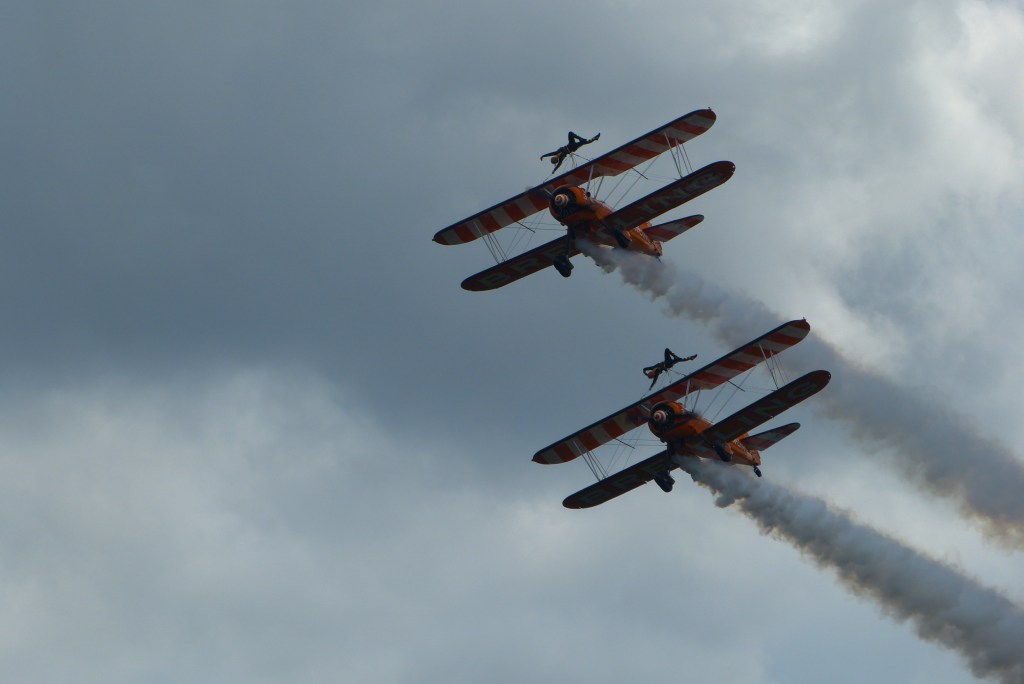
Reviewing a set of photos from an air show I attended almost 15 years ago, I was struck by three things. Firstly, because I was shooting dark objects against a much brighter background, the photos were all underexposed. Secondly, that atmospheric haze really wasn’t doing those old JPGs any favours. And thirdly, I’ve learned a lot about image processing in that time. It really wouldn’t take a lot of work to make those old photos sing.
So I took the photos into DxO Photolab and did some very minimal post-processing:
- Increase the exposure slightly
- Pull back the highlights to avoid clipping
- Gently boost the shadows
- Use the DxO Smart Lighting feature to reduce silhouetting
- Mask the main subject and very add a small pop of Clearview
- Slight blue saturation boost in the sky
- Gentle crop
And that’s it. If it sounds like a lot of work, it really isn’t – less than five minutes total. I hope you like the results.
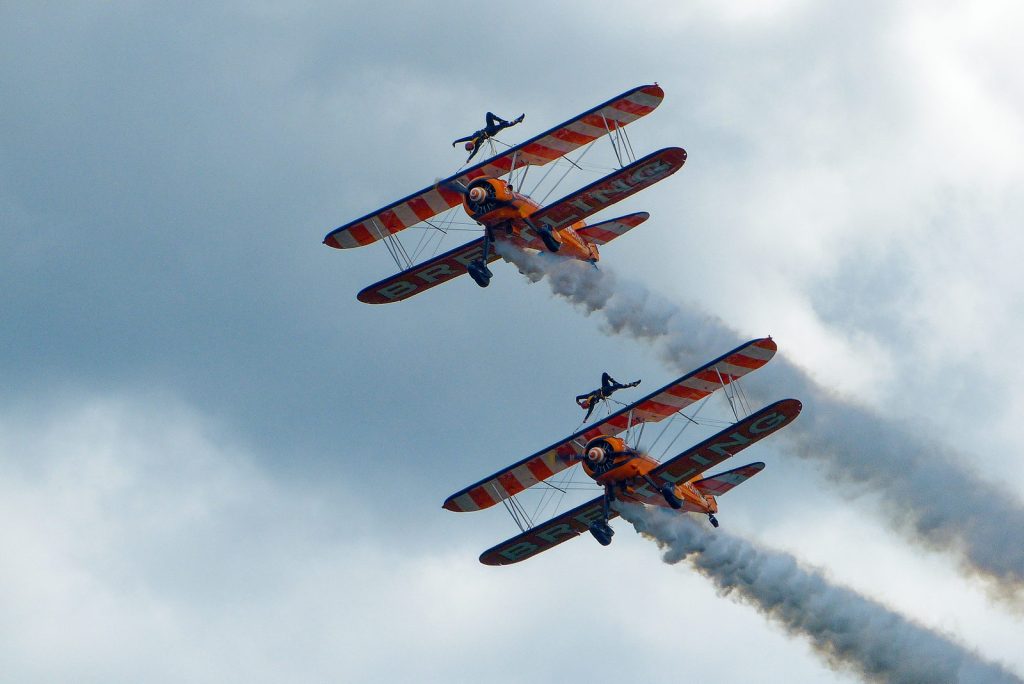
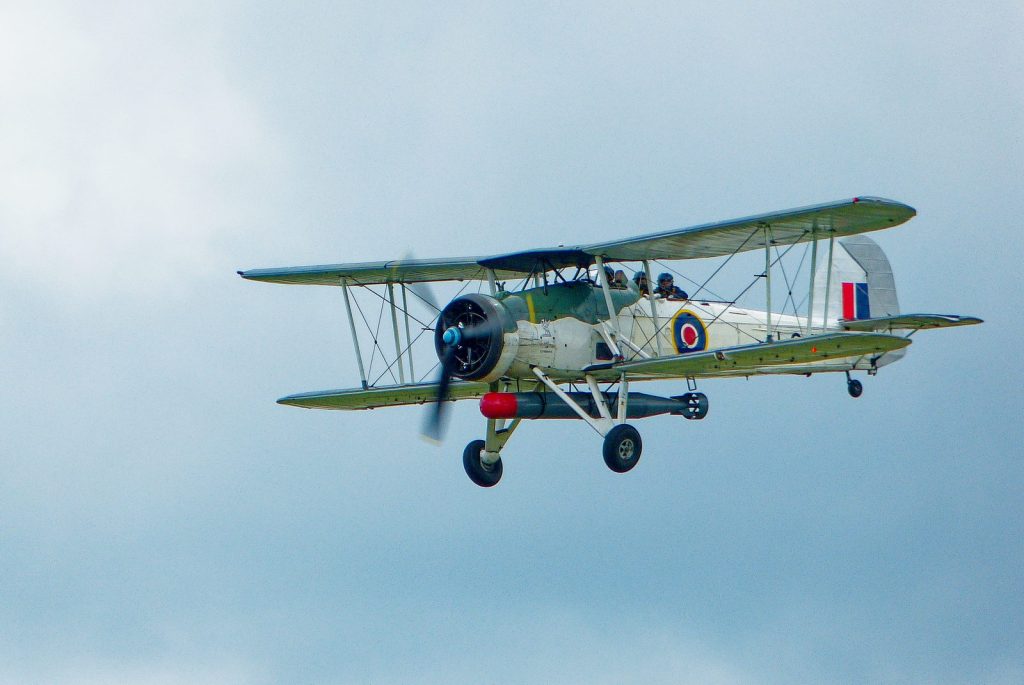
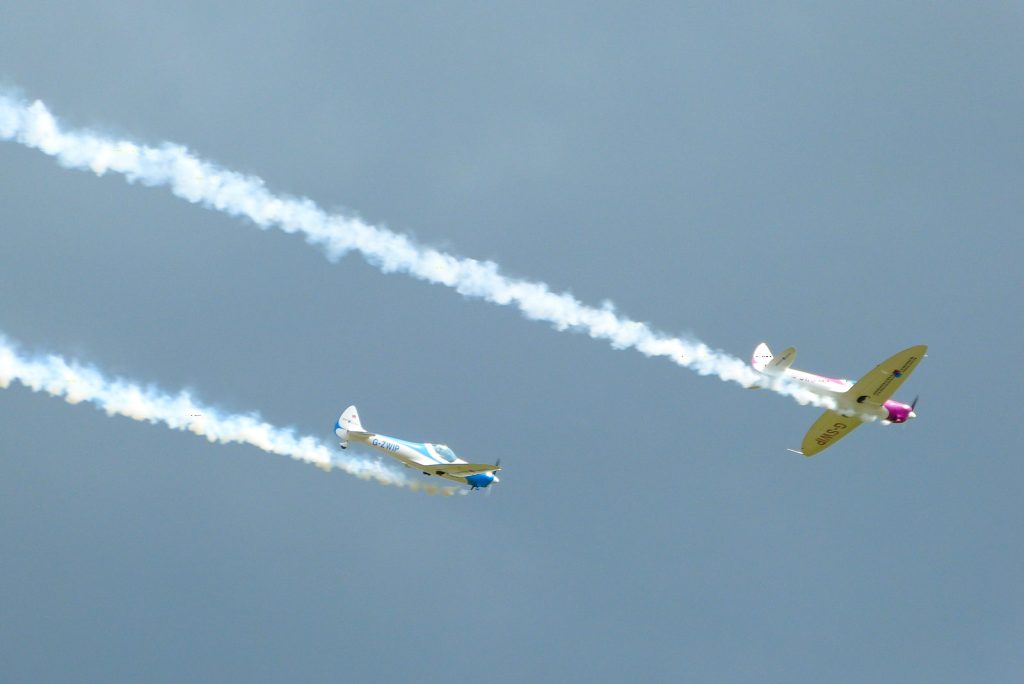
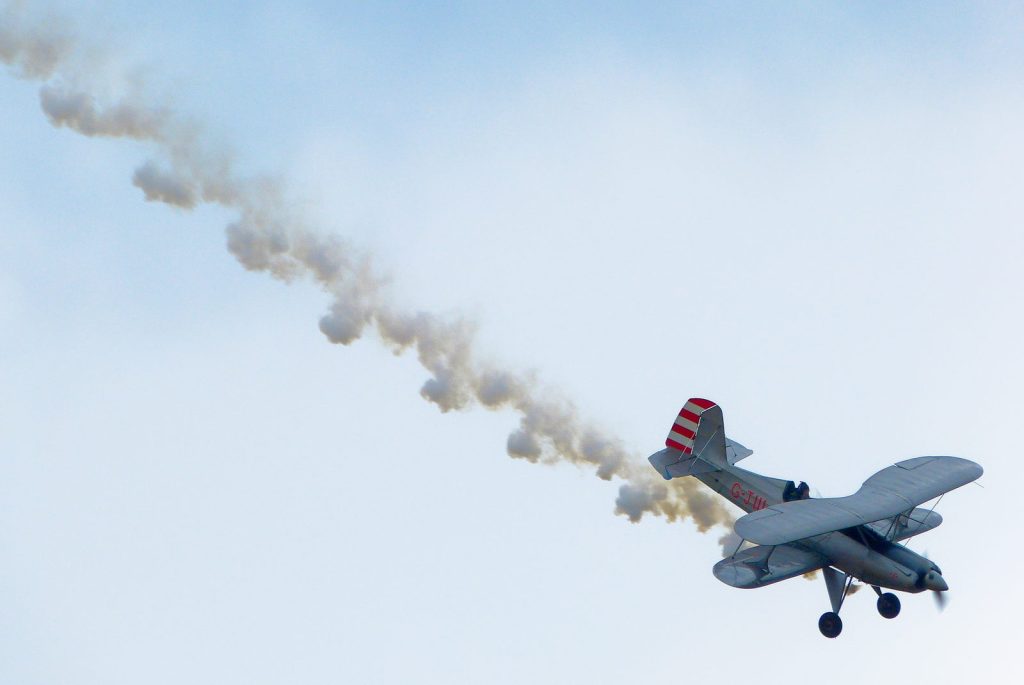
Not bad for a small-sensor bridge camera from 2011.
And just for comparison, here’s one of my edited images next to the original unedited JPG.


Leave a Reply