
The bridge over the pond at Doctor Neil’s Garden, Duddingston, Edinburgh. Photographed using a 590nm infrared-adapted Olympus Pen E-P2 and Panasonic Lumix 12-32mm lens. Processed in DxO Photolab and Affinity Studio.
For me, the main challenge of infrared photography is translating the vision – what I saw inside my head when I pressed the shutter – into a finished photograph. I knew what I wanted when I shot this scene. Strong contrast, glowing highlights, the trees framing the bridge. Nothing too dramatic. The scene I photographed was a delightful moment of peace and coolness from a too-bright day. I wanted to capture that sense of peace in a photograph with a serene, dreamlike feel.
DxO Photolab was my starting point. I applied a custom dcp profile (thank you Rob Shea) and then an Ilford HP5 LUT (converted from a RAW Therapee HaldClut). Some fine tuning, some negative fine contrast, a wee geometry correction, and then took the TIFF into Affinity Studio to selectively apply a bloom filter to the highlights and … job done.
Like I say, infrared processing is hard. And while there are various applications out there that do it well (shout out to RAW Therapee) I haven’t found anything that works better for me than my DxO/Affinity workflow.
I’ve spent a lot of time experimenting with the monochrome setting on my Pen E-P2. With the red colour filter applied in-camera, and a slight tweak to sharpness and contrast, it does a pretty good job.
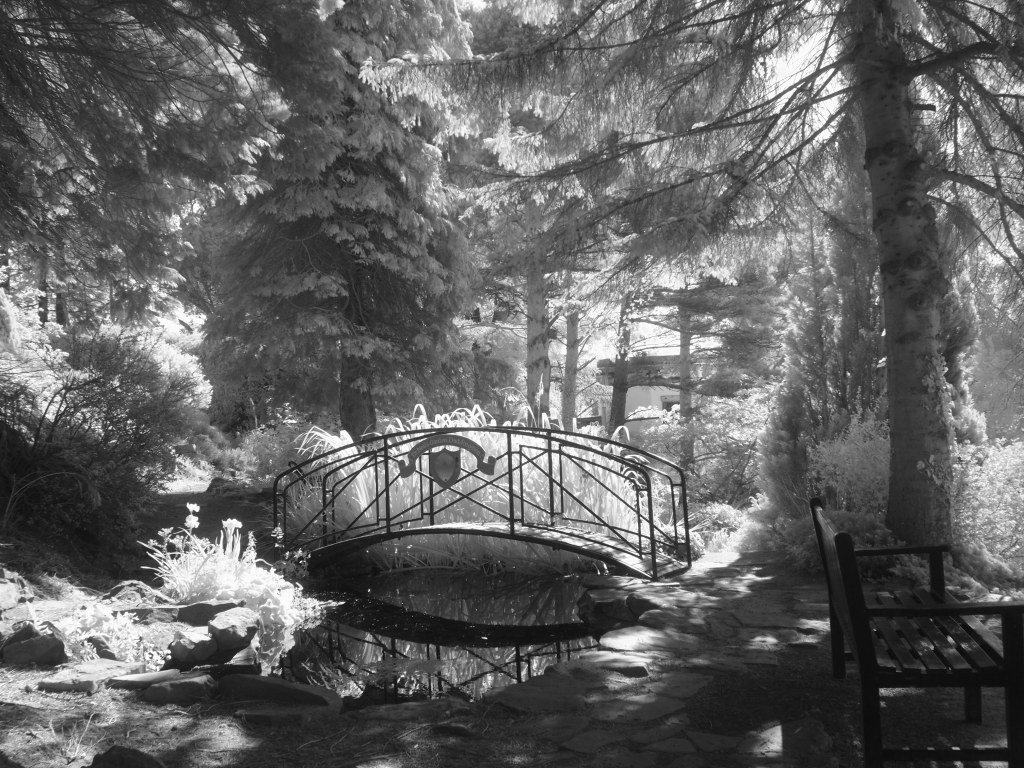
The same photograph, straight out of camera using the camera’s own, slightly modified, monochrome setting. It’s perfectly usable but it misses the hallucinatory feel of the processed version.

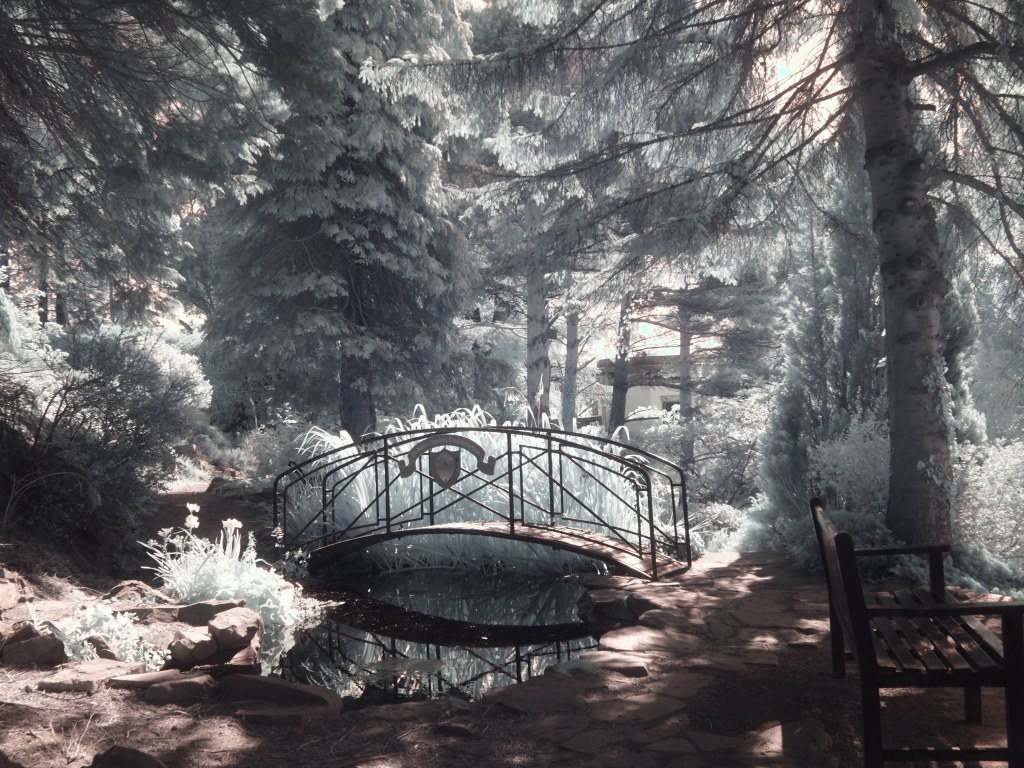
Just for comparison, here’s the same photo processed in OM Studio to replicate the original in-camera JPGs. The first image uses a daylight white balance. The second uses the same processing settings, but with a custom white balance.


Leave a Reply